

Commercial Building Security Checklist: 7 Things Every Business Owner Should Review
Running a business comes with enough moving parts. Between managing employees, serving customers, maintaining your property, and keeping operations on schedule, security shouldn't be another source of uncertainty.
But how do you know whether your building is actually protected?
For many commercial properties and retail businesses, security systems are installed over time. A few cameras are added here, an alarm is upgraded there, and access control might be introduced when the business expands. Eventually, you're left with several systems that may not work together as effectively as they should.
The good news is that improving security doesn't always mean starting over.
Whether you manage a retail store, office building, shopping center, or another commercial facility, these seven areas are worth reviewing before deciding where to invest.
1. Know Who Can Access Your Building
Think about how many people enter your property on a typical day.
Employees, customers, vendors, delivery drivers, maintenance crews, and contractors may all need access to different areas. But they don't necessarily need access to the same spaces.
Traditional keys can make that difficult to manage, especially when employees leave, keys are lost, or multiple locations are involved.
Questions to ask:
- Are there areas of your building that should be restricted to authorized employees?
- Do former employees or contractors still have access?
- Can you easily change access permissions when staffing changes?
- Do you know who entered restricted areas and when?
Modern access control systems allow businesses to manage entry permissions without relying entirely on physical keys.
Depending on the system, administrators may be able to grant or revoke credentials, establish access schedules, and review entry activity.
For retail businesses, this can be particularly useful for stockrooms, offices, inventory storage areas, and employee-only entrances.
What to look for: A system that makes access easy for authorized people while helping prevent unauthorized entry.
2. Check Whether Your Cameras Cover the Right Areas
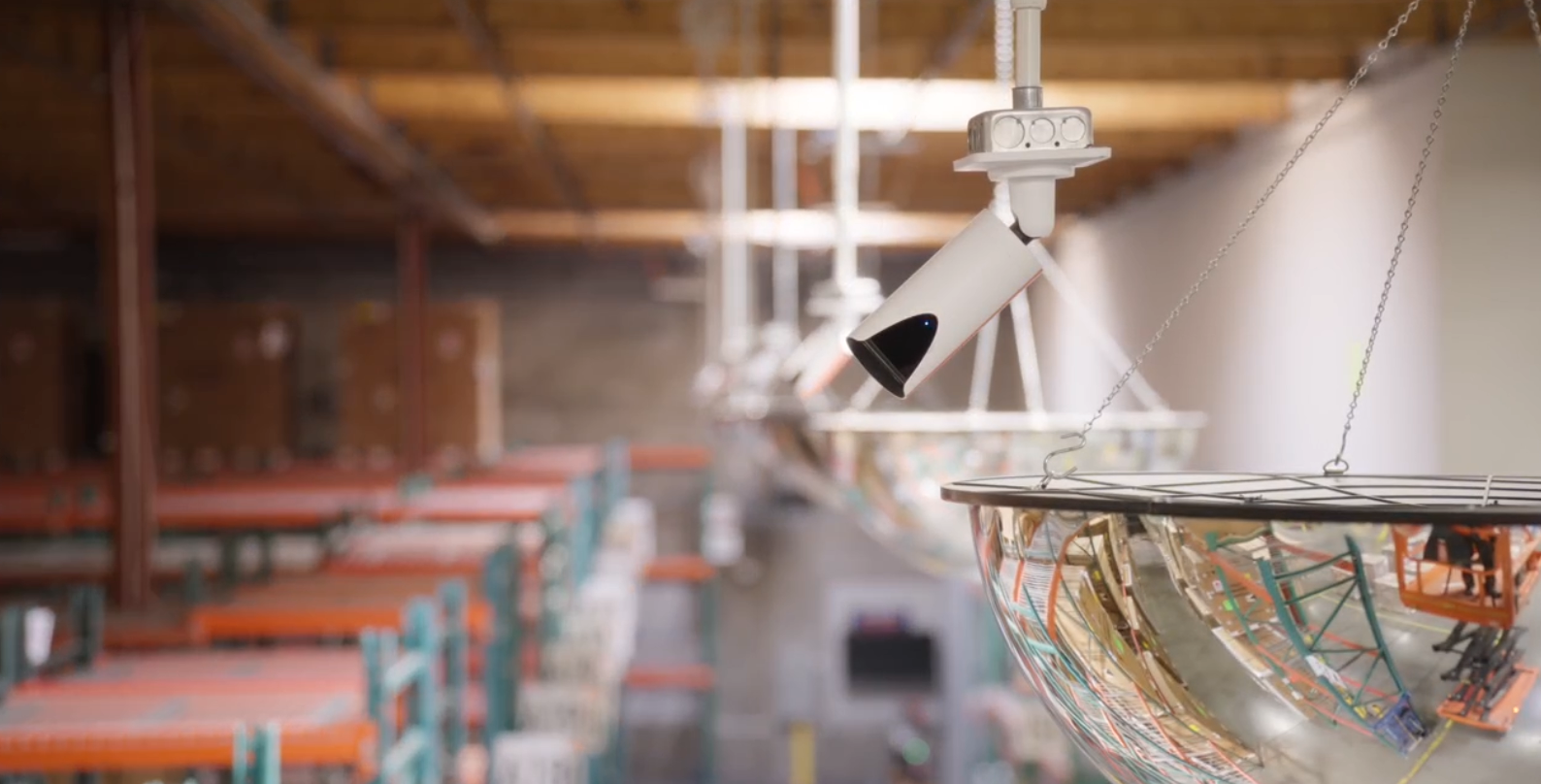
Having security cameras isn't the same as having effective surveillance.
A camera may be recording, but is it positioned to capture the activity that matters? Does it provide usable footage? Can authorized personnel retrieve recordings when needed?
These questions are especially important for commercial properties with multiple entrances, parking areas, loading zones, or customer-facing spaces.
Areas worth reviewing include:
- Main entrances and exits
- Parking lots and exterior approaches
- Loading docks and delivery areas
- Stockrooms and inventory storage
- Cash-handling locations
- Shared hallways and common areas
Camera placement should reflect the property's actual risks and operational needs, while respecting applicable privacy requirements.
It's also worth considering how quickly footage can be accessed after an incident.
Some modern video surveillance platforms offer remote access, centralized management, and analytics that can help authorized personnel locate relevant events more efficiently.
What to look for: Reliable coverage, useful image quality, appropriate recording retention, and a practical way to retrieve footage.
3. Review Your Intrusion Detection System
What happens when someone tries to enter your business after hours?
An intrusion detection system can help identify unauthorized activity, but its effectiveness depends on how well it matches the property.
A small storefront and a large commercial facility may have very different needs.
Door contacts, motion detectors, glass-break sensors, and monitored alarm systems can each serve a purpose depending on the building layout and risk profile.
Questions to ask:
- Are all appropriate entry points protected?
- Are there areas where unauthorized activity might go undetected?
- Who receives an alert when an alarm is triggered?
- Are alarm contacts and response procedures current?
- Is the system regularly tested and maintained?
For businesses with multiple locations, consistent monitoring and clearly defined response procedures become even more important.
What to look for: Detection that matches your facility and a response process your team understands.
4. Make Sure Your Fire and Life-Safety Systems Are Up to Date
Security isn't only about preventing theft or unauthorized entry. Protecting employees, customers, and property also means preparing for fire and other life-safety emergencies.
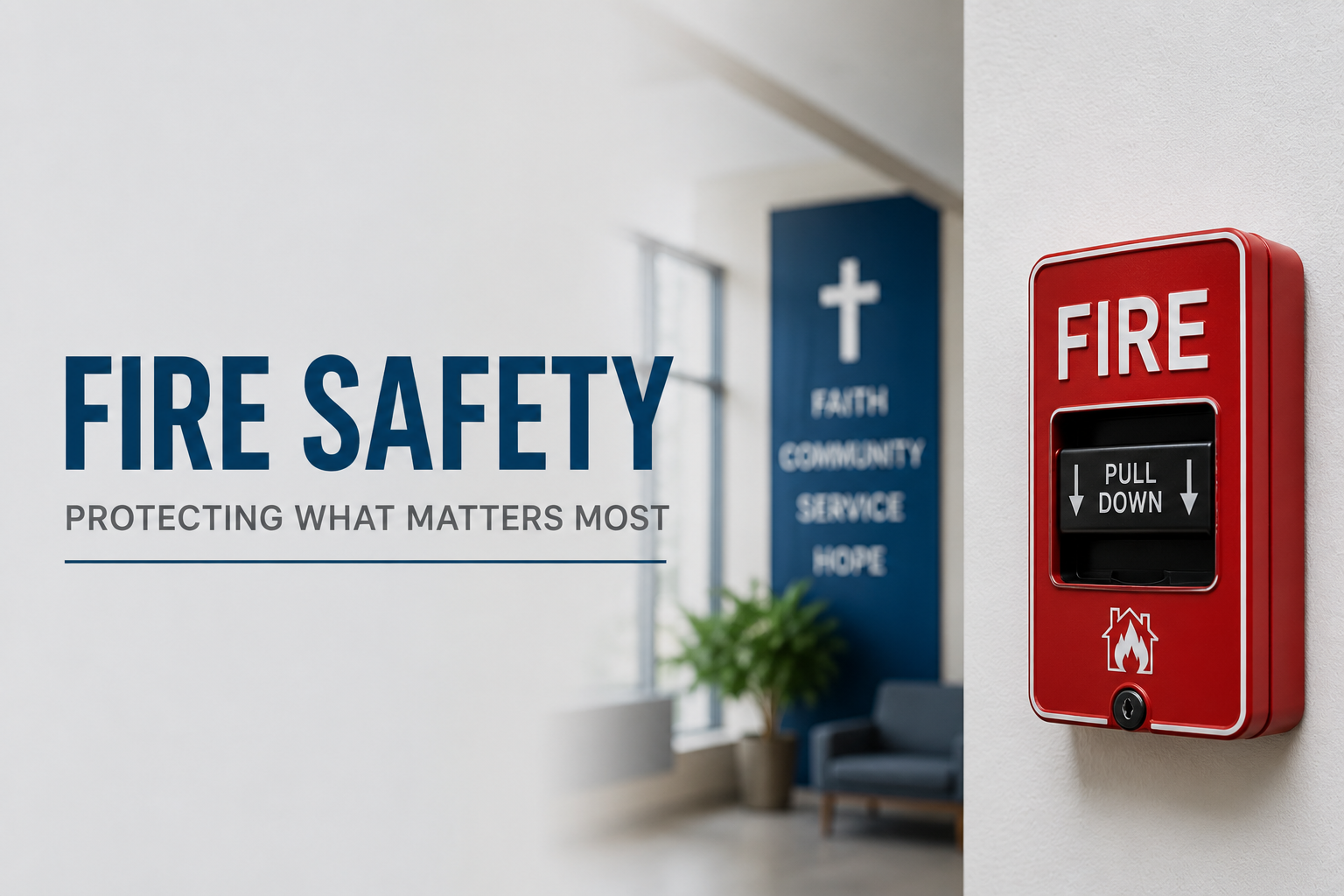
Commercial fire alarm systems play an important role in detecting hazards and alerting occupants.
Depending on the building, occupancy, and applicable codes, requirements may involve fire alarm control panels, smoke or heat detectors, notification devices, monitoring, and other components.
Questions to ask:
- When was your fire alarm system last inspected or tested?
- Have renovations or changes in occupancy affected your system's requirements?
- Are there recurring trouble signals or maintenance issues?
- Are employees familiar with emergency procedures?
- Does your system meet the requirements applicable to your facility?
Fire alarm requirements vary by property and jurisdiction, so businesses should work with qualified professionals and the appropriate local authority when evaluating compliance.
What to look for: Properly maintained life-safety systems suited to the building's current use and requirements.
5. Look for Gaps Between Your Security Systems
Your cameras, access control, intrusion detection, and other building systems may each work individually.
But what happens when they need to work together?
Imagine an authorized manager receiving an after-hours alarm notification. If the business also has a compatible surveillance system, being able to review relevant video may help the manager understand what happened.
Or consider an employee entrance. Depending on the systems installed, access events and associated camera footage may provide a clearer record of activity.
Integrated security solutions can make it easier to manage information across a facility, although available features depend on the equipment, software, and integrations involved.
Questions to ask:
- Do you manage multiple systems through separate platforms?
- Can authorized personnel quickly find the information they need?
- Are your current systems compatible with one another?
- Are you paying to maintain outdated equipment that could be consolidated?
- Would centralized management make daily operations easier?
Integration isn't about adding technology for the sake of it. It's about making the systems you already rely on more useful.
What to look for: Technology that supports how your business operates, without unnecessary complexity.
6. Consider How Your Security Needs May Change
A system that worked when your business first opened may not be the right fit today.
Maybe you've hired more employees, expanded into another suite, added inventory storage, extended operating hours, or opened a second location.
Each change can introduce new access requirements, surveillance needs, and operational considerations.
Before investing in additional equipment, consider where your business is headed.
Questions to ask:
- Are you planning to expand or renovate?
- Will you need to manage multiple locations?
- Can your current system accommodate additional cameras, doors, or users?
- Are replacement parts and technical support still available?
- Would an upgrade be more practical than continuing to maintain aging equipment?
Planning ahead can help reduce unnecessary replacement costs and avoid systems that quickly become difficult to manage.
What to look for: A security solution that meets today's needs while allowing for reasonable future growth.
7. Make Sure Someone Is Responsible for Security
Even the best security technology needs people and processes behind it.
Who manages employee access? Who reviews alarm notifications? Who contacts the service provider when a camera stops recording?
If these responsibilities aren't clearly assigned, problems can go unnoticed.
Every commercial property should have a practical process for managing security systems and responding when something goes wrong.
Questions to ask:
- Who is responsible for managing access permissions?
- Who verifies that cameras and alarms are working?
- Who receives and responds to notifications?
- Is there a process for reporting equipment problems?
- When was your last comprehensive security review?
Security works best when technology, maintenance, and day-to-day responsibilities support one another.
What to look for: Clear ownership, routine system reviews, and a reliable service partner when support is needed.
Does Your Commercial Property Need a Security Upgrade?
Not necessarily.
Sometimes a business needs additional coverage, better access management, or improved integration. Other times, the most valuable improvement is updating an existing system or addressing a maintenance issue.
The right starting point is understanding what you already have, where the potential gaps are, and what matters most to your operation.
At Knine All Systems, we work with commercial and retail businesses to evaluate and implement security and life-safety solutions, including video surveillance, access control, intrusion detection, fire alarm systems, and integrated technologies.
Our goal is to help businesses make informed decisions about protecting their people, property, and operations.
Protect Your Business. Protect Your Peace of Mind.
Not sure where to start?
Use our free Facility Snapshot to explore location-based information that may help inform your security planning. It's a useful starting point, not a substitute for an on-site security assessment.
Get your free Facility Snapshot: https://snapshot.k9allsystems.com
Contact Knine All Systems to discuss your facility's security needs, review your existing systems, or explore options for an upgrade.
Whether you're managing a single storefront or multiple commercial properties, we're here to help you take the next step with confidence.
01
Faster Investigations
Modern security platforms help teams locate footage faster, identify vehicles and persons of interest, and gather evidence more efficiently.
Faster investigations
Improved evidence collection
Reduced response times
02
Streamlined Facility Access
Centralized access control helps organizations manage credentials, permissions, and facility access from a single platform.
Simplified administration
Better visibility
Improved accountability
03
Multi-Site Operations
Managing multiple locations becomes easier when security systems are unified into a single dashboard.
Unified visibility
Reduced complexity
Greater operational efficiency
04
Remote Monitoring
Remote facilities often lack on-site personnel. Remote monitoring improves awareness and response capabilities across distributed locations.
Increased visibility
Faster response
Enhanced coverage
Related Articles
.png)

Facility Snapshot
What does security look like at your location?
Claim your real-time area statistics and tailored security recommendations.
Get My Facility Snapshot >


.svg)
